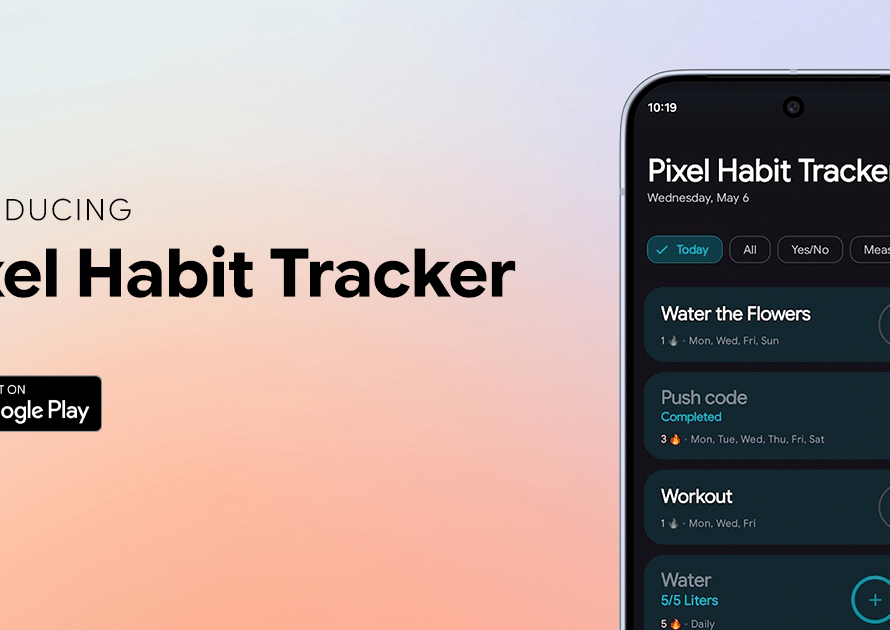
When I launched Pixel Habit Tracker on Google Play, I called it the first habit tracker built from the ground up on Material 3 Expressive. It was an Android app, made for Android people.
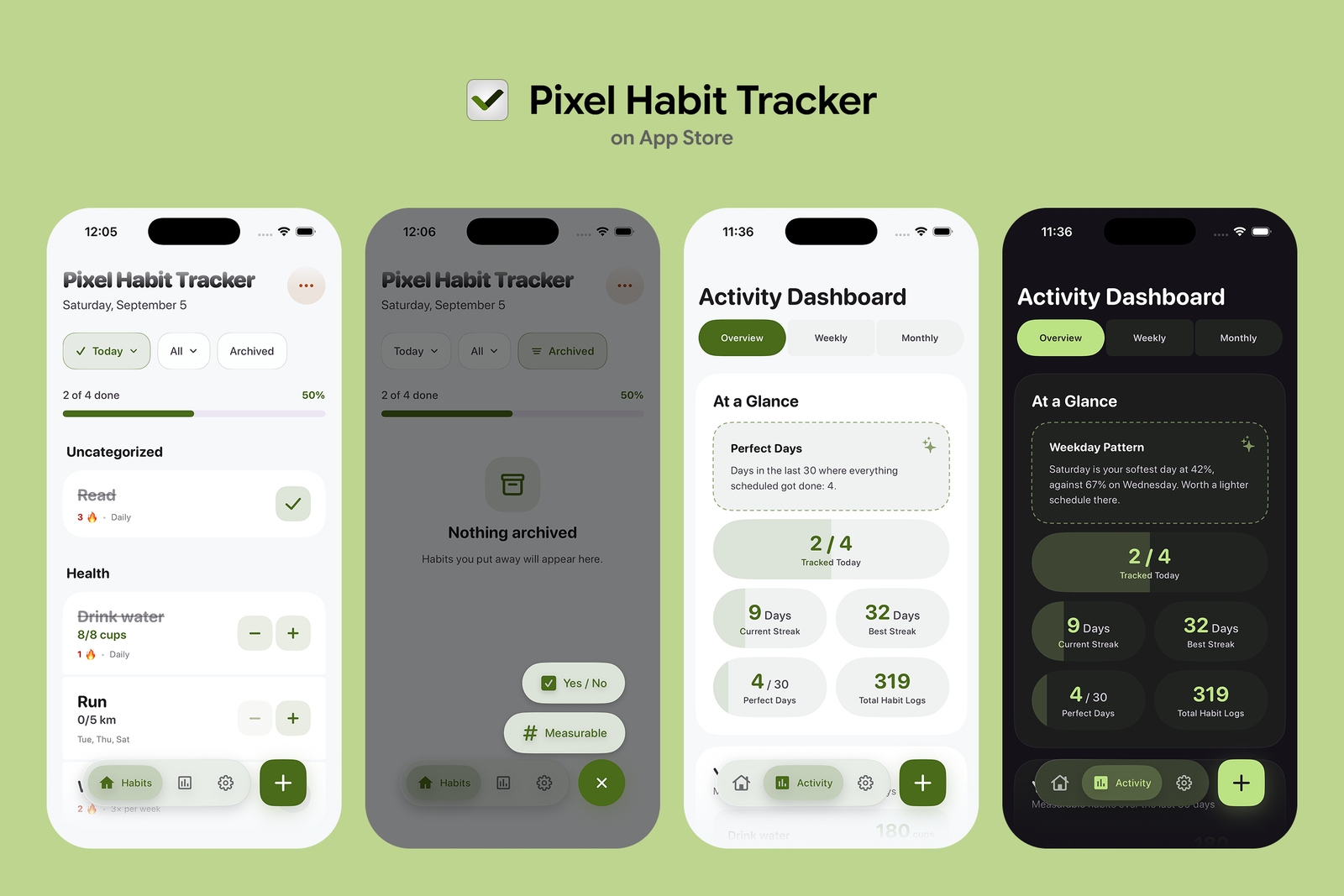
Now it’s on iPhone too. Pixel Habit Tracker has been approved on the App Store, and it’s live for iPhones running iOS 26 or later.
Google’s design language, on Apple’s phone
The easy way to ship on iPhone would have been to wrap the Android app, or to redesign it to look like every other iOS app. I didn’t want either. The design is the reason Pixel Habit Tracker exists, so the iPhone version keeps it.
It’s a native app, written in SwiftUI from scratch. The shapes that morph when you press them, the springy motion, the loading indicator that spins while it changes shape: all of it was rebuilt for iOS, not carried over in a web view. Pick one color and the whole app builds its palette from it, exactly like on Android.
Some of those components turned out to be useful beyond this app, so I’ve started open-sourcing them as ExpressiveUI, a set of Material 3 Expressive components for SwiftUI. It’s growing one component at a time.
What you get on iPhone
Most of what Android users already know made it across:
- Streaks that follow your schedule. If a habit runs Monday, Wednesday and Friday, taking Tuesday off doesn’t break anything.
- Habit steps. Turn a habit into a checklist and tick the parts off one by one.
- Stats, heatmaps and weekly/monthly reports, with the insights ranked so the thing that needs your attention comes first.
- App Lock with Face ID, for when someone else is holding your phone.
- Widgets. A Today widget for the Home Screen, and a Daily Pulse widget for the Lock Screen. Both are free, as widgets always will be.
- Story sharing. Share a streak to Instagram Stories with the same templates as on Android.
And it’s still private. There’s no account to create, no ads, and no analytics. Your habits live in a database on your phone and nowhere else.
Moving over from Android
If you’re switching phones, your history comes with you. Make a backup in the settings on your Android phone, send the file to your iPhone, and restore it there. Habits, logs and settings all come across. I tested this myself before writing this post.
One thing to know about Pro: Google Play and the App Store handle purchases separately, and the app has no accounts that could connect the two. So a Pro purchase on Android doesn’t unlock Pro on iPhone. It’s still one payment on each platform, never a subscription.
What’s not there yet
A few things are still Android only, and I’d rather say so up front:
- Apple Watch. Android has a Wear OS app; the watch version for iPhone is on the way.
- iPad. The iPhone app runs on iPhone only for now. On Android, tablets and foldables get a split-pane layout, and iPad support is planned.
- More widgets. Android has seven; iPhone starts with two.
One difference is permanent: iOS doesn’t let apps read your wallpaper, so the “match my wallpaper” color option stays on Android. You can still pick any color yourself.
A small secret
On Android, tapping the Pro badge on the home screen a few times reveals a little surprise. The iPhone version has a different one, and this one you can feel as well as see. I’ll leave it at that.
Get it
Pixel Habit Tracker is free on the App Store, with an optional one-time Pro upgrade.
Download Pixel Habit Tracker on the App Store
Still on Android? It’s on Google Play too.
This is my first app on iOS, so feedback helps a lot. If something feels off on your iPhone, or there’s a feature you’d like to see, tell me. You can DM or tag me on X at @EdenKollcinaku, and if you enjoy the app, a review on the App Store goes a long way.
And if you’d like to support the work, you can always buy me a coffee.
See you on the streak.